
Quick Start
Download the latest Virtual Browser installer from the Releases page or the official website, then install it on your computer.
Sign-in
- Windows: Continue without signing in for free features (pricing).
- macOS: sign in first.
- Pro API, cloud sync, etc. require sign-in and membership.
Create a browser profile
- Open Virtual Browser and choose Create Browser.

- Adjust settings in the dialog or keep the defaults.


- The new profile appears in the browser list.

- Request an apiLink on the website, or apply now.
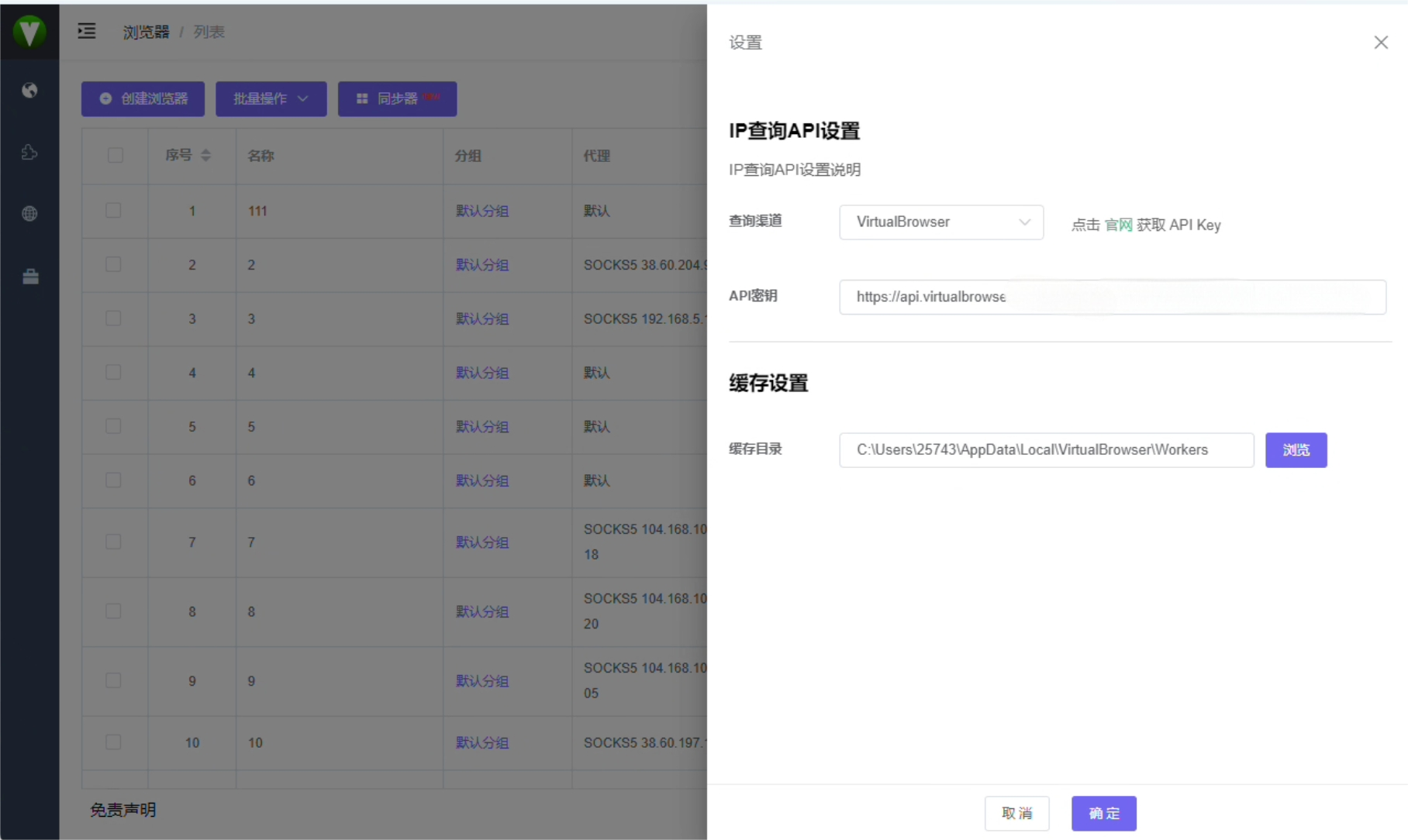
- Open Settings for global options including the IP lookup apiLink—see Client settings.
Launch a profile
- Click Launch on the profile you created.
- The opened browser runs in the new fingerprint environment.

Next steps
- Installation guide — detailed install and troubleshooting
- System requirements — Windows and macOS specs
- Plans & features — Free vs Pro


